
Key takeaways
- A MIDI keyboard sends notes to music software so you can play instrument sounds on your computer.
- MIDI keyboards do not produce sound on their own but send signals to music production software.
- They are widely used in music production, composition, and recording.
- Beginners can easily connect a MIDI keyboard to a computer using USB.
- Learning to use a MIDI keyboard helps musicians create melodies, chords, and beats more efficiently.
MIDI keyboard beginner guide
If you are learning music production, you may have heard about MIDI keyboards. This MIDI keyboard beginner guide explains what a MIDI keyboard is and how it is used to create music.
With a MIDI keyboard, you can play instrument sounds in your software, record melodies and try different sounds.
In this guide, you will learn what a MIDI keyboard is, how it works, and how beginners can start using one for music production.
What is a MIDI keyboard?
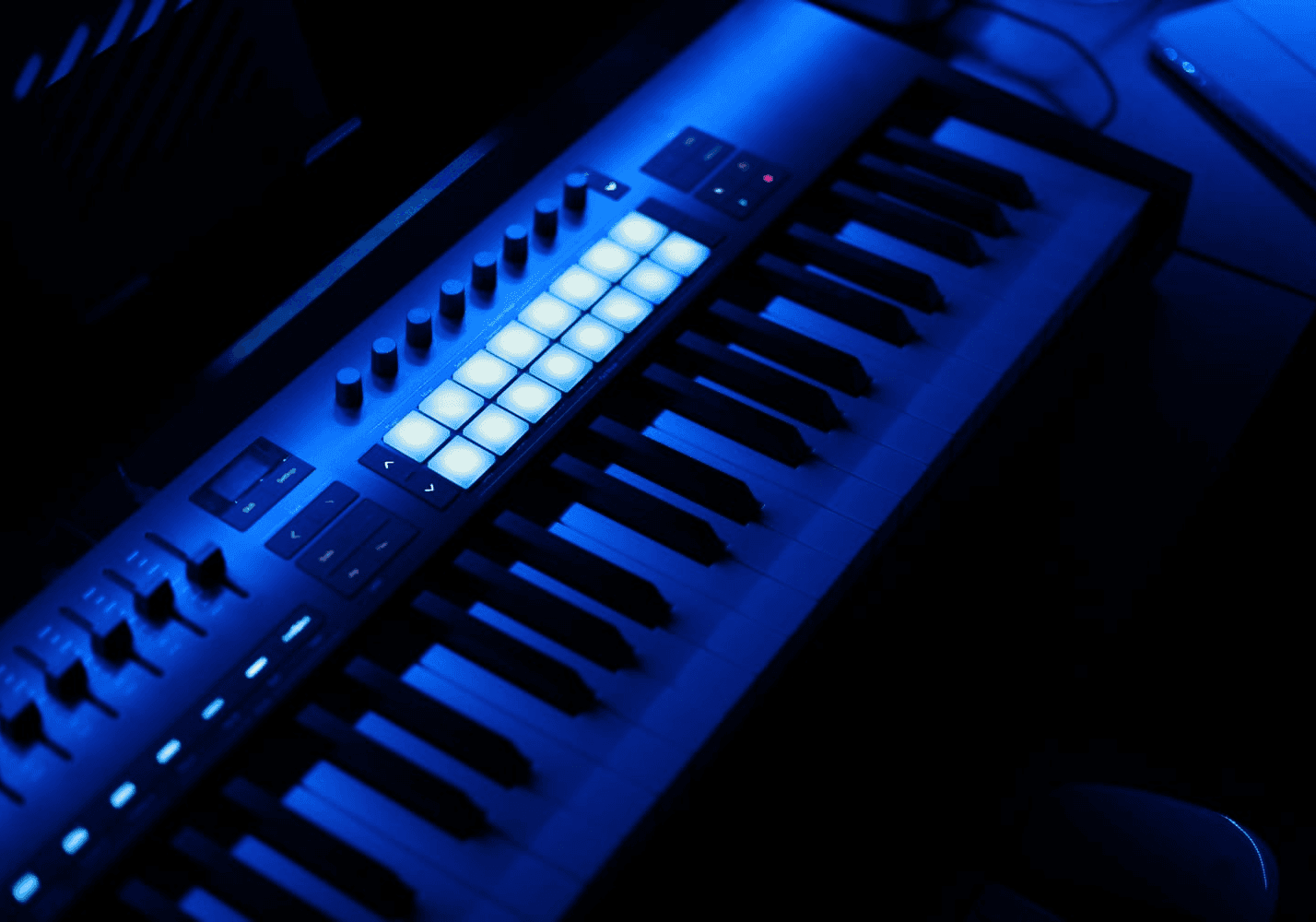
A MIDI keyboard is a musical controller that sends digital signals to music software. Instead of producing sound on its own, it tells the computer which notes to play.
These signals use a system called MIDI (Musical Instrument Digital Interface), which allows electronic instruments and computers to communicate with each other.
When you press a key on a MIDI keyboard, the software receives information about:
- Which note was played
- How hard the key was pressed
- When the note started and stopped
How MIDI keyboards work
MIDI keyboards work together with music production software, also called a Digital Audio Workstation (DAW).
This system allows musicians to create music quickly and experiment with many different sounds.
- You connect the MIDI keyboard to your computer using USB.
- The keyboard sends MIDI data to your DAW.
- The software plays your chosen instrument sounds.
- You can record and edit the performance digitally.
Why use a MIDI keyboard for music production
A MIDI keyboard provides many advantages for music producers.
A MIDI keyboard lets you play notes with your hands instead of entering each note with a mouse.
- Play melodies and chords naturally
- Control virtual instruments easily
- Record musical ideas quickly
- Create more expressive performances
How beginners can start using a MIDI keyboard
If you are new to music production, here are simple steps to start using a MIDI keyboard.
1. Connect the keyboard. Most MIDI keyboards connect directly to your computer using a USB cable.
2. Install music production software. Open a Digital Audio Workstation such as GarageBand, FL Studio, or Ableton Live.
3. Select a virtual instrument. Choose a piano, synth, or other sound inside the software.
4. Start playing and recording. Play notes on the keyboard and record your performance into the DAW.
Conclusion
Connect a MIDI keyboard to music software to play instrument sounds and record your ideas. Start with a simple melody and explore what you can do.
Learning how to use a MIDI keyboard is an important step for anyone interested in music production, composition, or digital music creation.